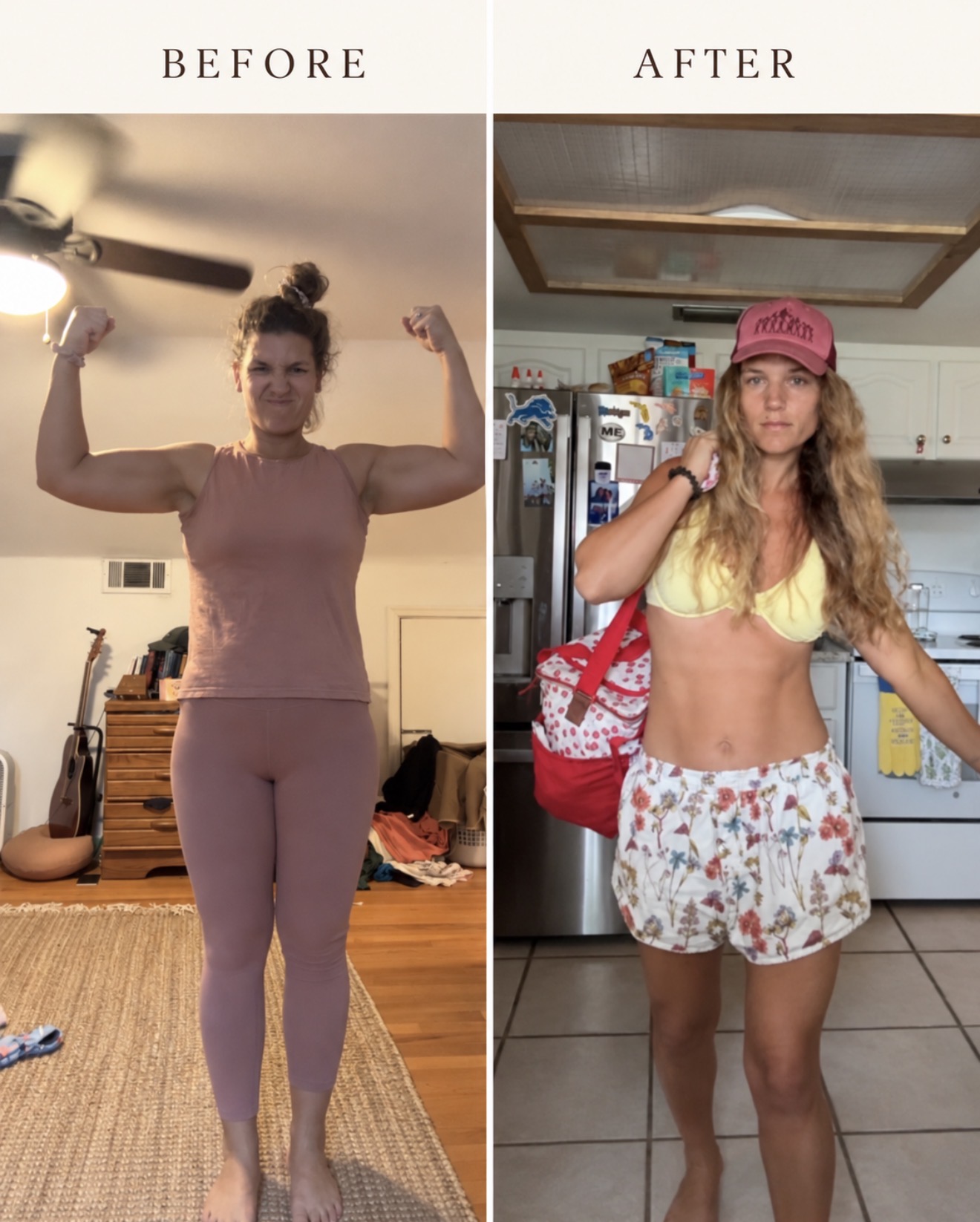
While I was losing weight, I used ChatGPT to help me better understand the calories and macros in what I was eating. Having a running food log helped me notice patterns and make choices as the day went on, without feeling like every day had to be perfect. Here’s the process I used.
I’m sharing my personal experience here, not a personalized nutrition plan or a recommendation that you need to lose weight.
1. Start with one conversation
Start a new ChatGPT conversation and paste this prompt. Fill in the blanks with your own information, and keep using that same conversation as you log your food.
Copy-and-paste ChatGPT prompt
On your phone, press and hold inside the box, choose Select All, then Copy. Paste it into a new ChatGPT conversation.
2. Log what you ate—and how much
Throughout the day, tell ChatGPT what you ate and how much. If you’re at a restaurant or eating something without nutrition information, upload a photo and give it any details you know about the ingredients and portion size.
3. Check recipe servings
If you make an online recipe, upload a screenshot of its nutrition information and tell ChatGPT how many servings you ate. Check whether those numbers are per serving or for the whole recipe.
4. Use the nutrition label
For packaged food, upload a clear photo of the nutrition label and tell ChatGPT how much you ate. The serving size matters!
5. Check your running total
Ask, “What’s my running total for today?” whenever you want to see where you stand. I used that information to make choices as the day went on, while still paying attention to my hunger.